



Pratercard | Handheld APP
Due to the different attractions and kiosks in the Prater, a compact and small version of the debit software was necessary.
Unfortunately, the choice of hardware was not made solely on technical grounds.
Initially, we were not enthusiastic about using Windows CE devices. The hardware and operating system are not as stable as developers would like.
Nevertheless, the application runs on all Windows CE devices.
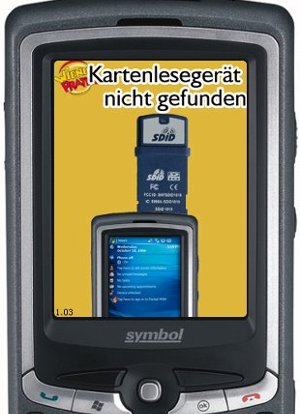
As an RFID reader a product of SDID with the SD card slot was selected.
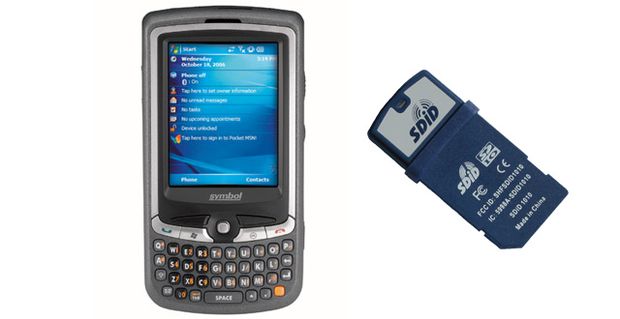
These handheld debit devices behave essentially exactly to the desktop versions of the Kiosk software.
The server configuration is basically the same between PC and handheld device.
The handheld device is put on the server by administration card and the handheld device gives all the necessary information.
Due to hardware and operating system, the handheld devices run much slower and less stable than the PC-software variants.
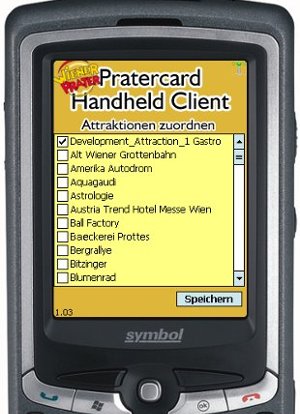
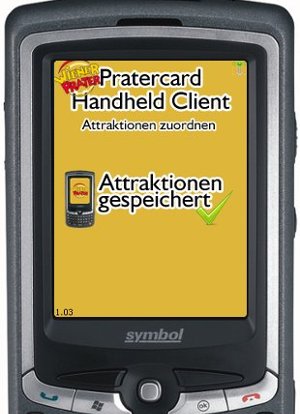
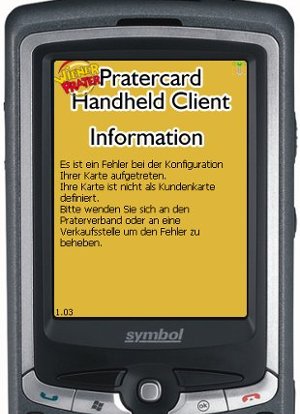
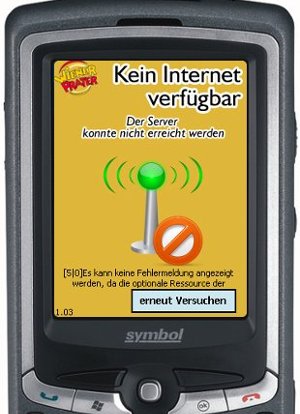
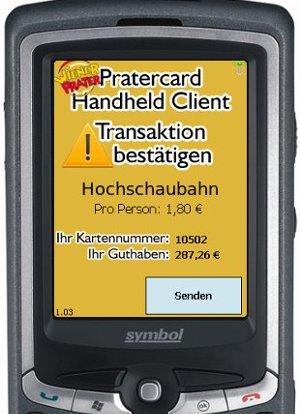
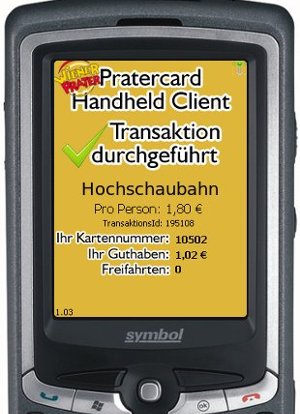
Some screenshots of the application